 Doodlé
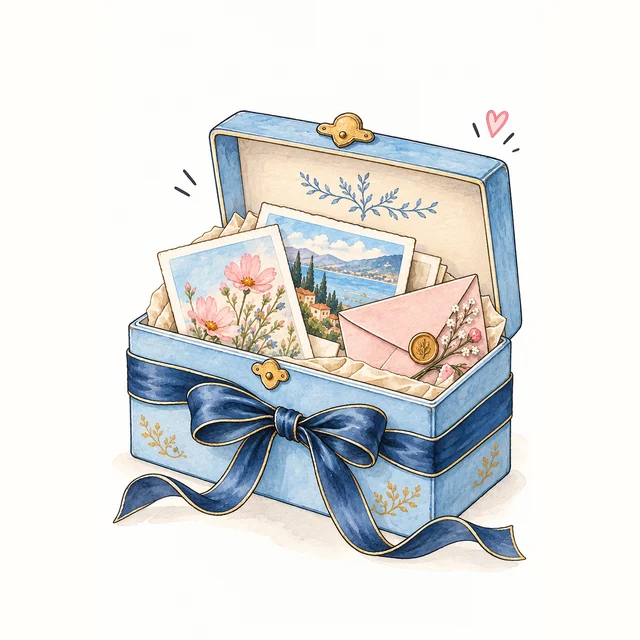
Made it. Love it.
Keep it.
That one’s a keeper. Your new creations save to Keepsakes when there’s room. Download a copy too, so your favourite goes wherever you go.
Find your little step
Download
On your finished result, choose Save or share, then the download or save option. Your browser may put the file in Downloads or ask you where to save it.
On iPhone
Playing hide-and-seek with your download? Check Safari’s Downloads list and the Downloads folder in Files. If you choose Save Image in the sharing options, check Photos. The options depend on your browser and version.
On Android
Check the browser’s Downloads list or the Downloads folder in your file manager. The downloaded image may also appear in your gallery app.
Your little Keepsakes collection
New Doodlés and committed card edits save automatically to Keepsakes in this browser. At 30 items, choose and confirm which item to replace, or cancel and download your new creation. Nothing is replaced without your choice. Keepsakes does not sync across devices, and clearing browser data can remove it.
Can I recover a lost Keepsake?
Start where you made it: the same browser, on the same device. Then check Photos, Files or Downloads for a copy you downloaded. If the browser’s data has been cleared and no download exists, Doodlé may not be able to recover it.
Start Doodling ♡