 Doodlé
A little Paris magic.
One café moment, ten different moods. Follow our Paris photo from soft sketches to bold colour, then give it a little collectible-card sparkle.
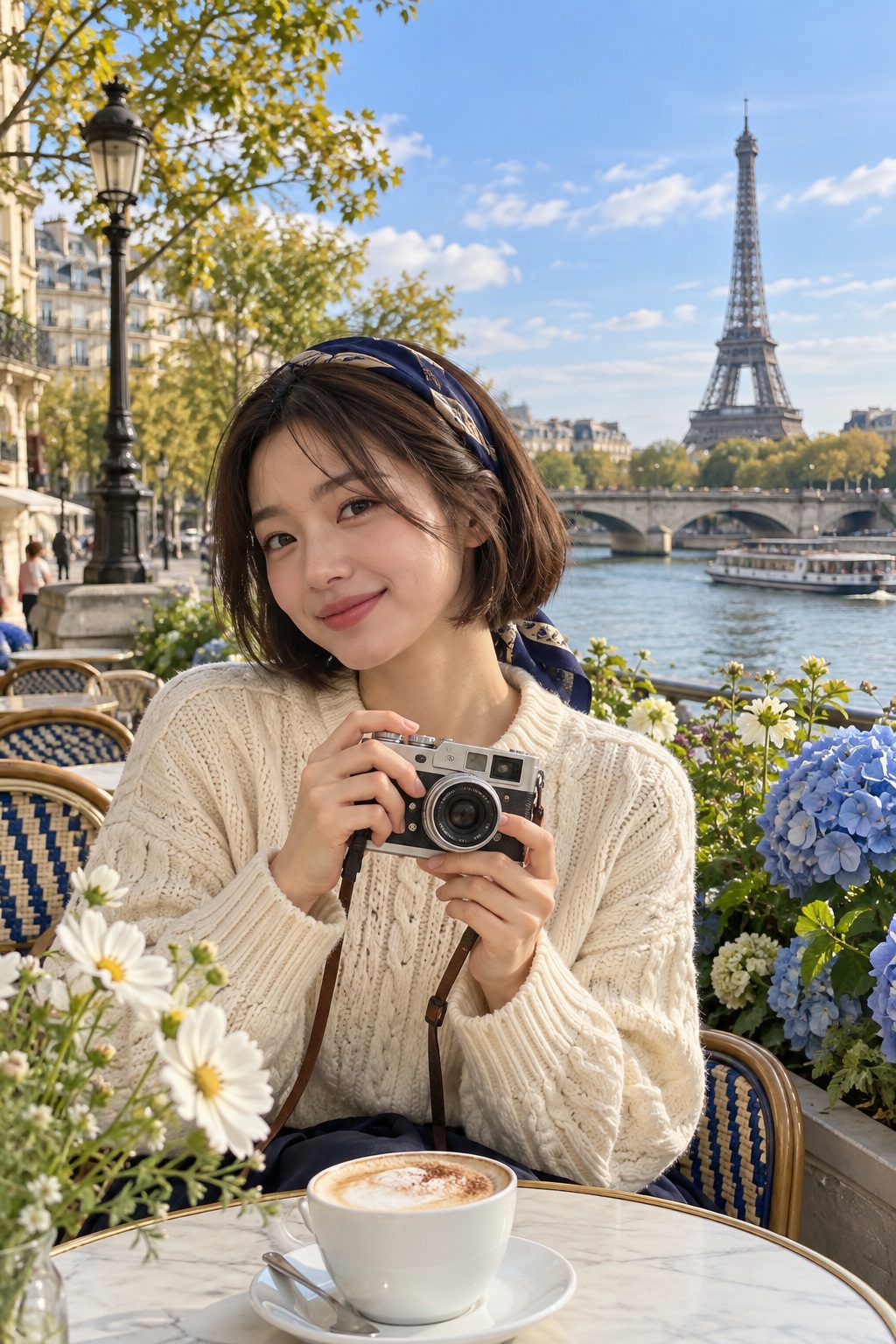
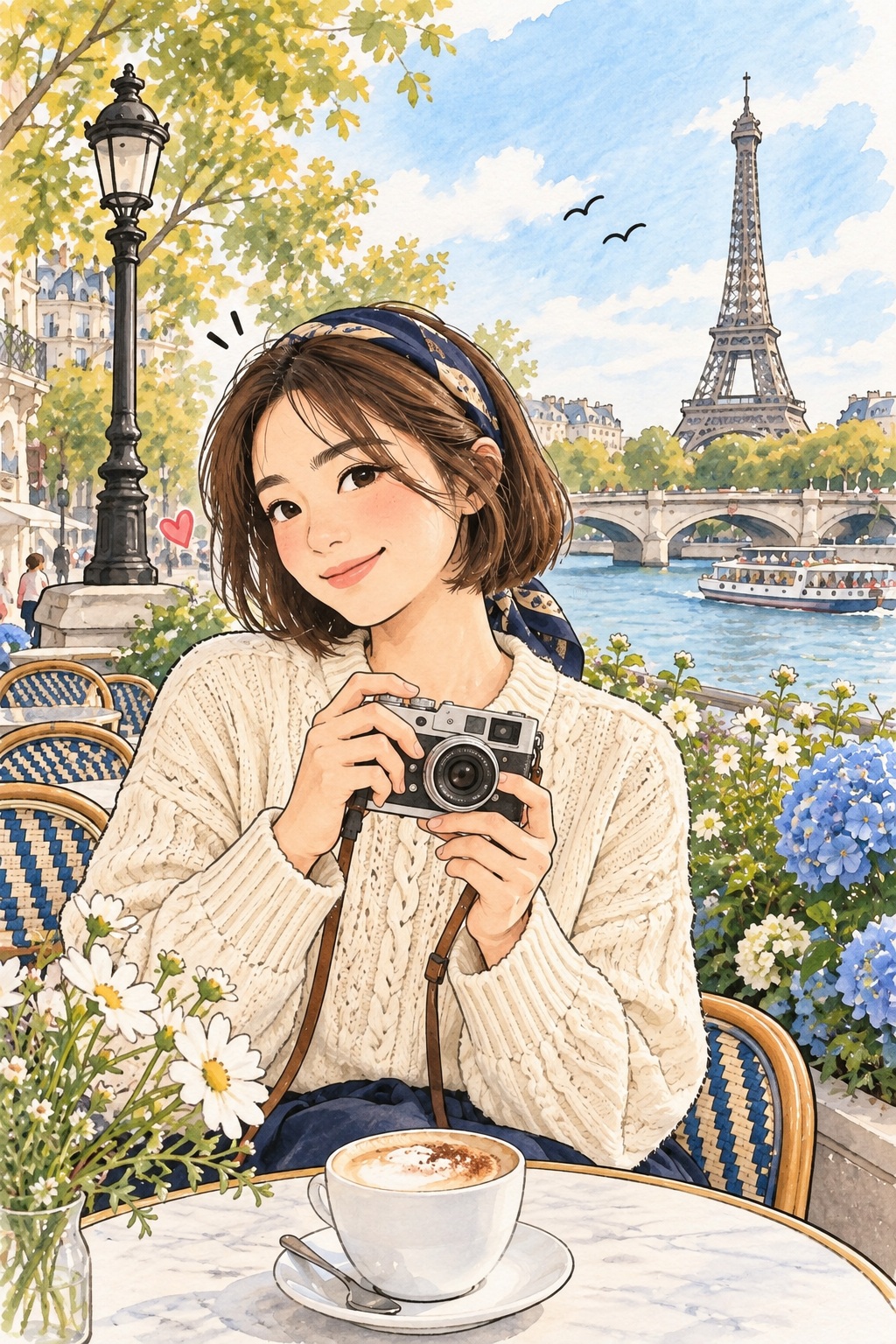
One fictional, AI-created photo. Ten real Doodlé results from our Paris film project.
Same image. Different illustration styles.
Explore how each look changes the same Paris moment.
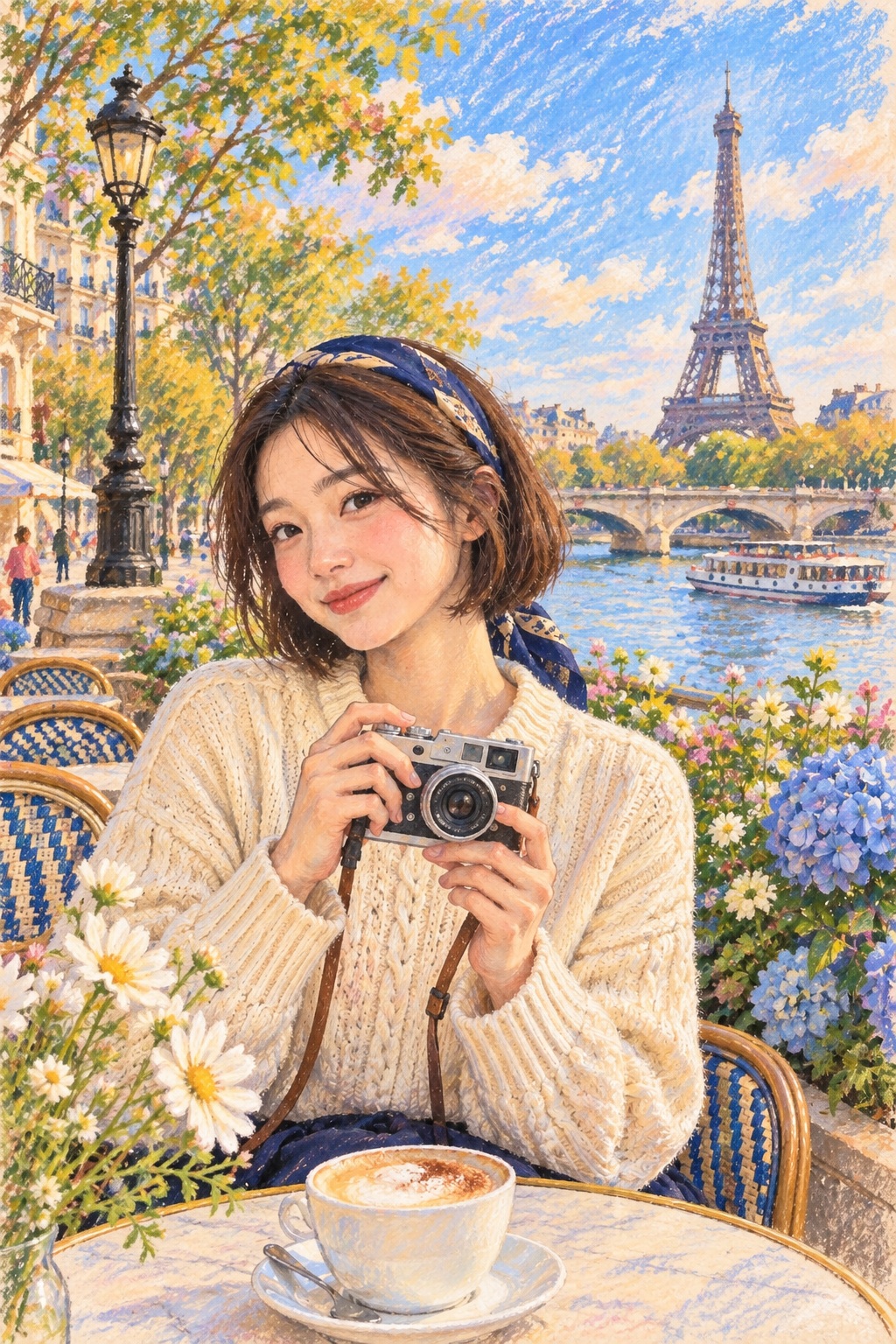
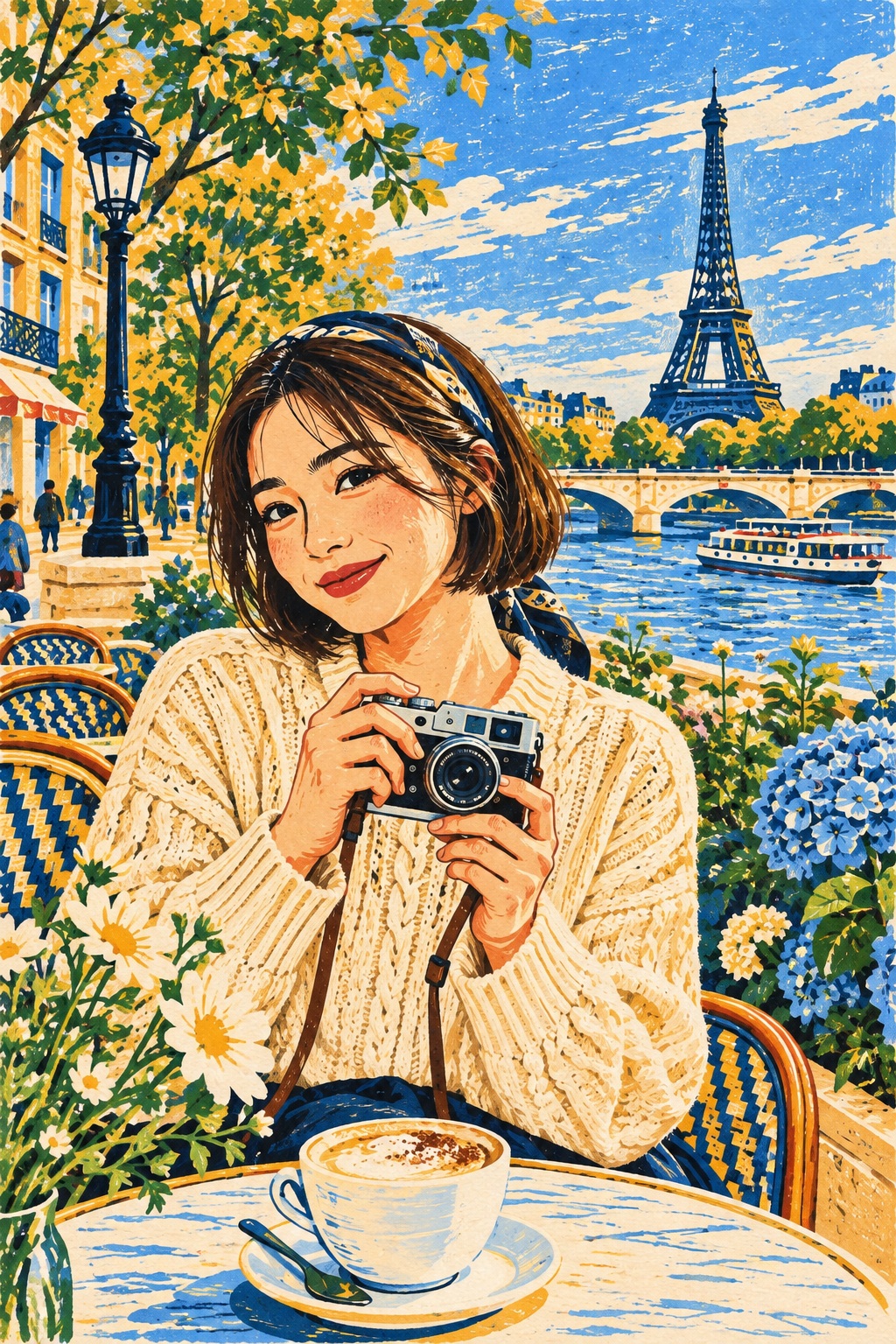
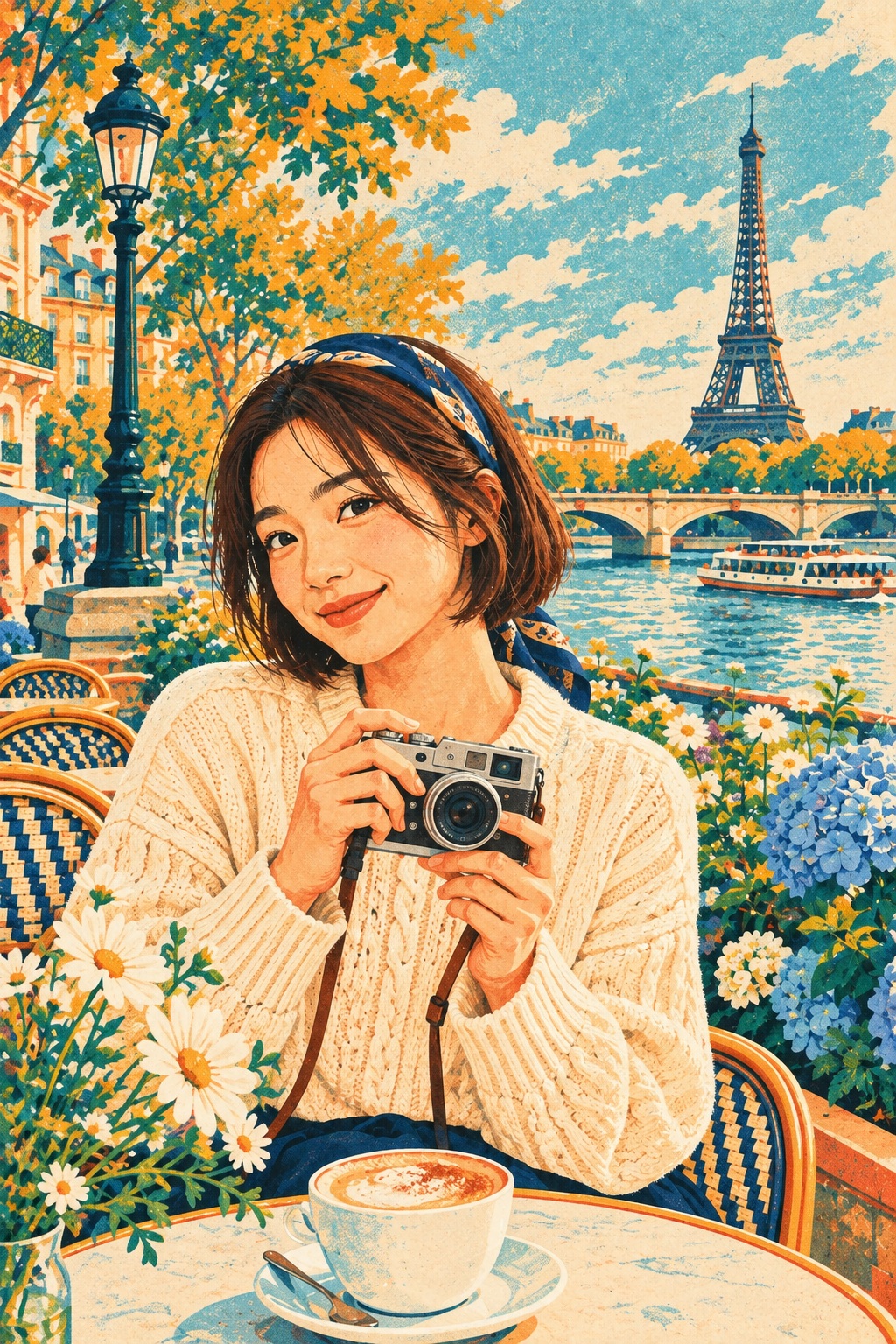
The bob, cream cardigan, camera and café setting give us specific details to compare. Look at the linework and texture in each result, then check how closely those details were retained.
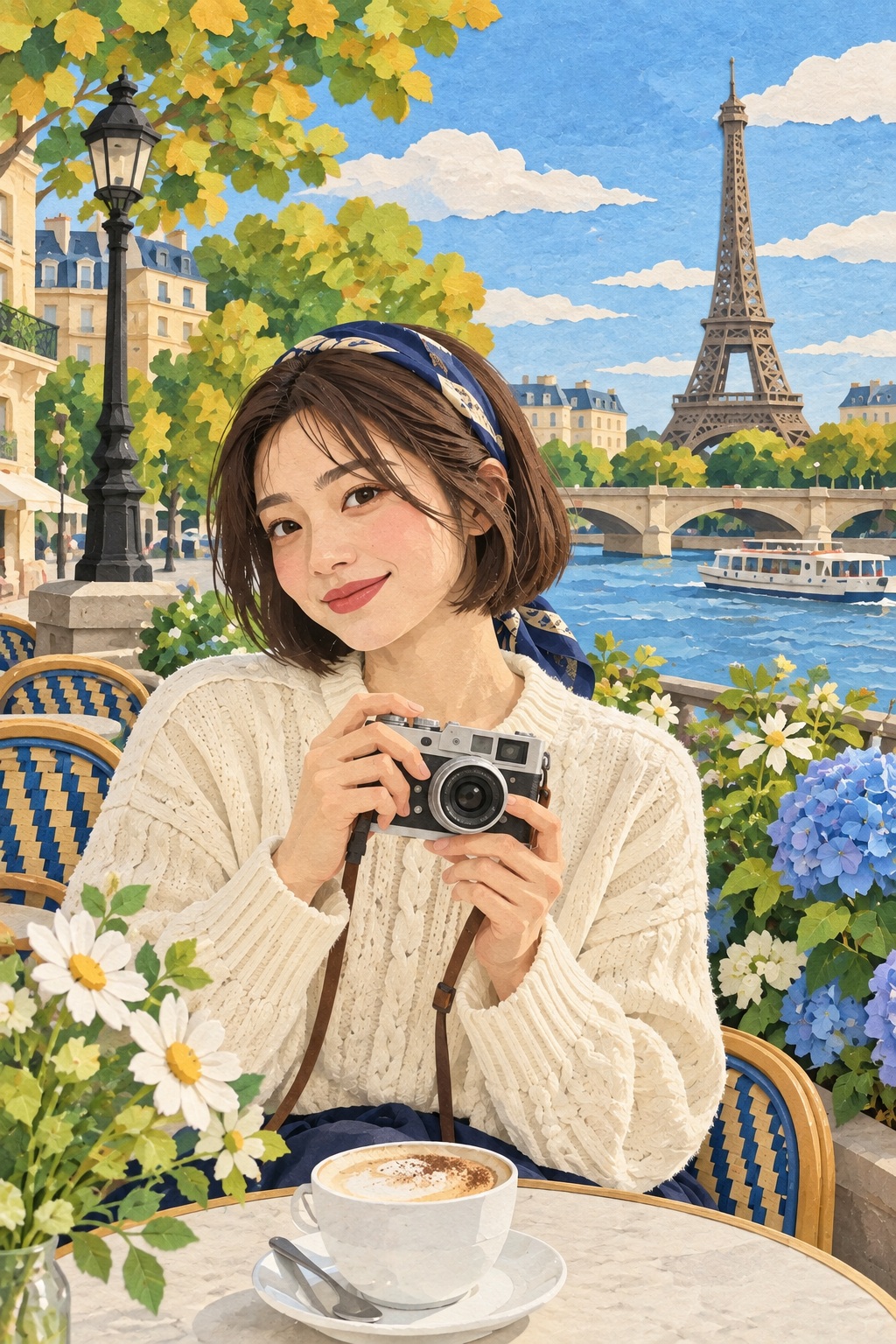
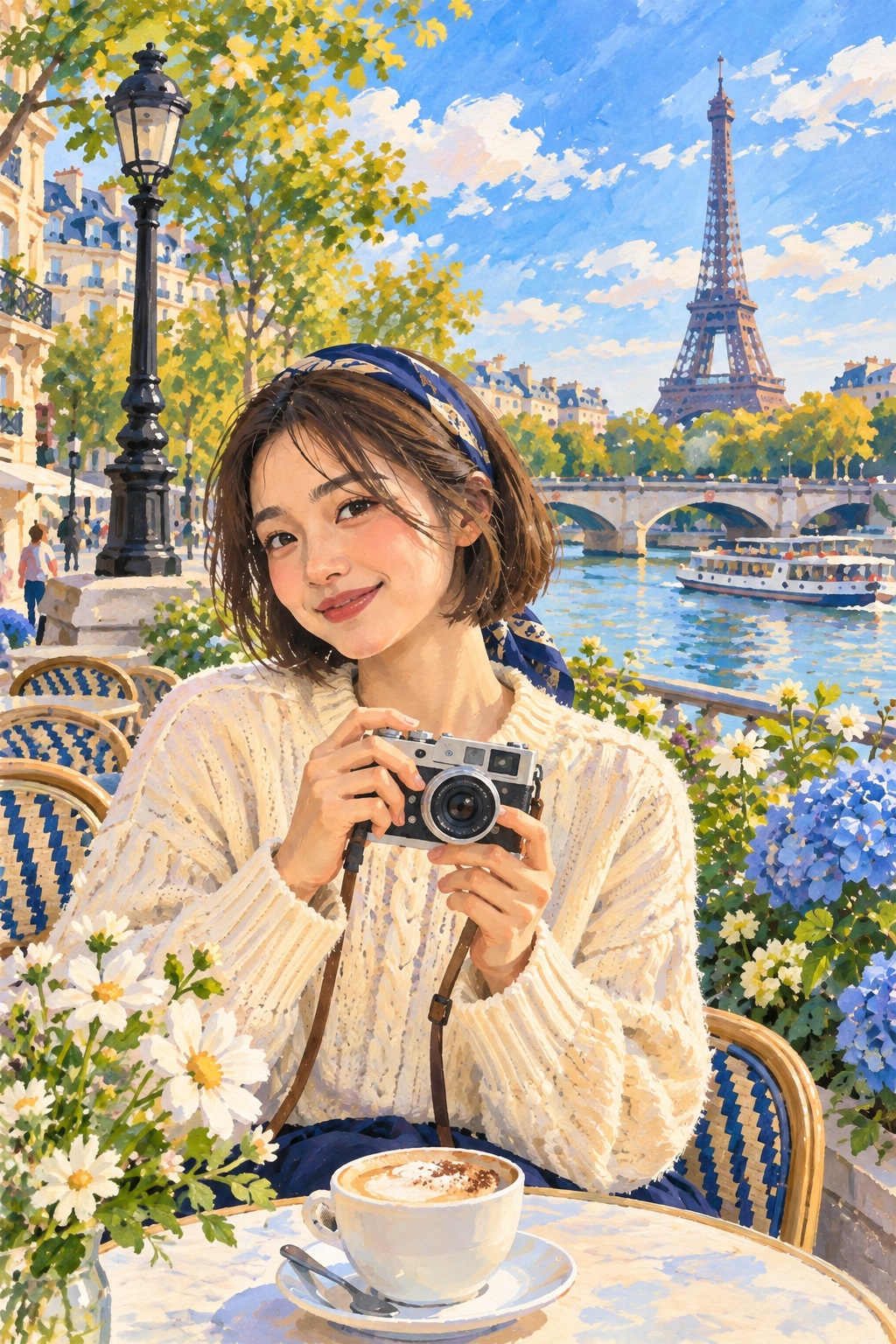
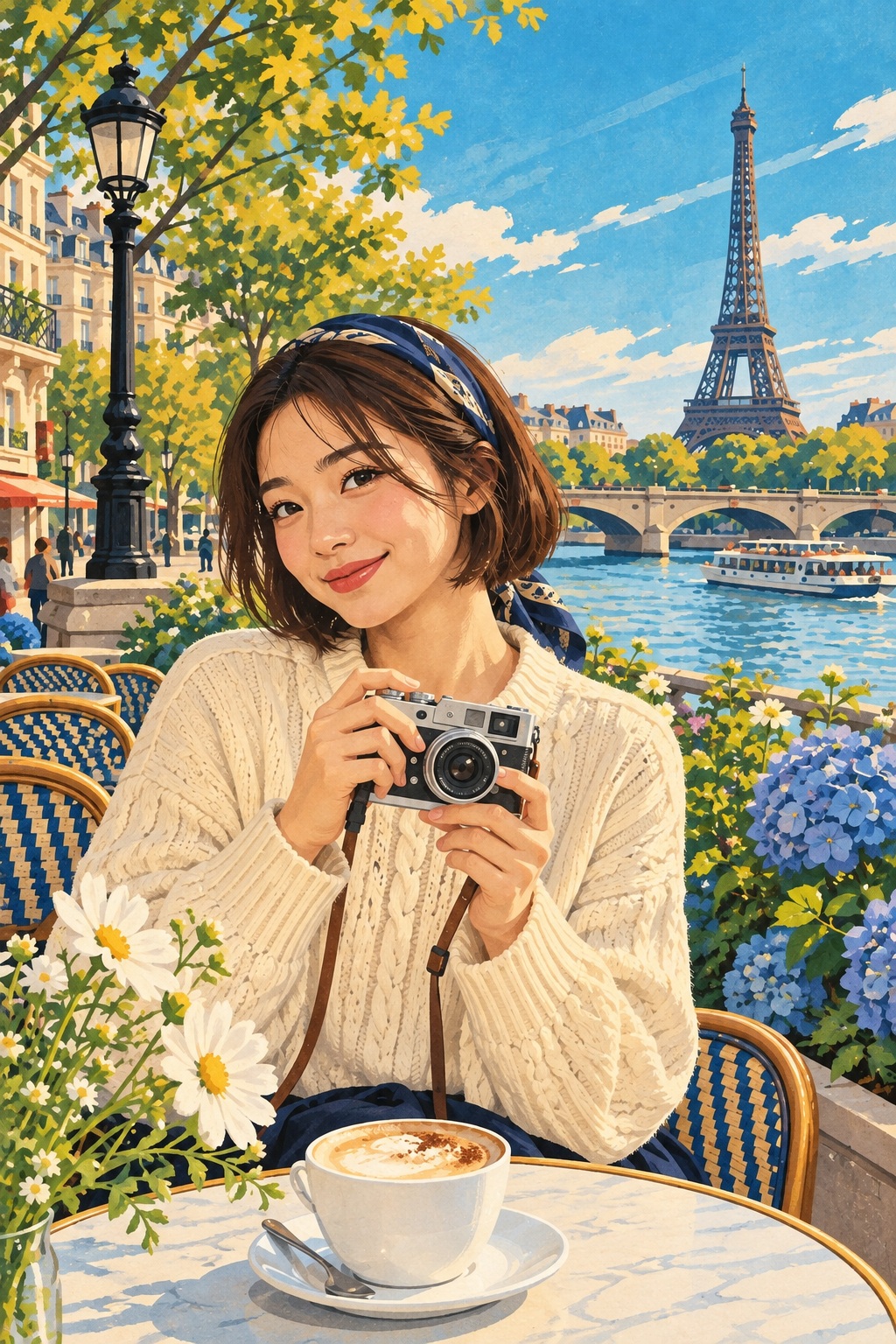
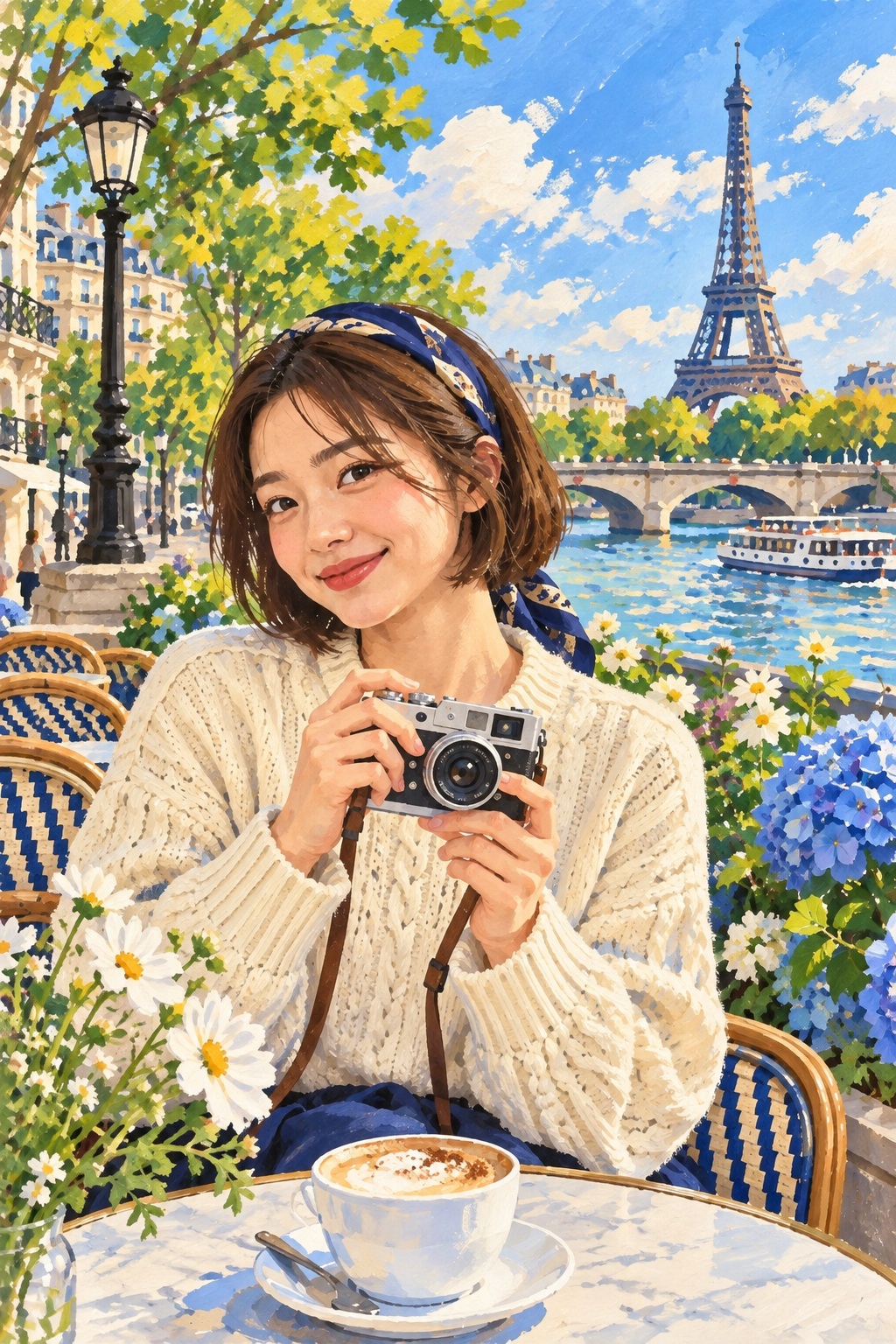
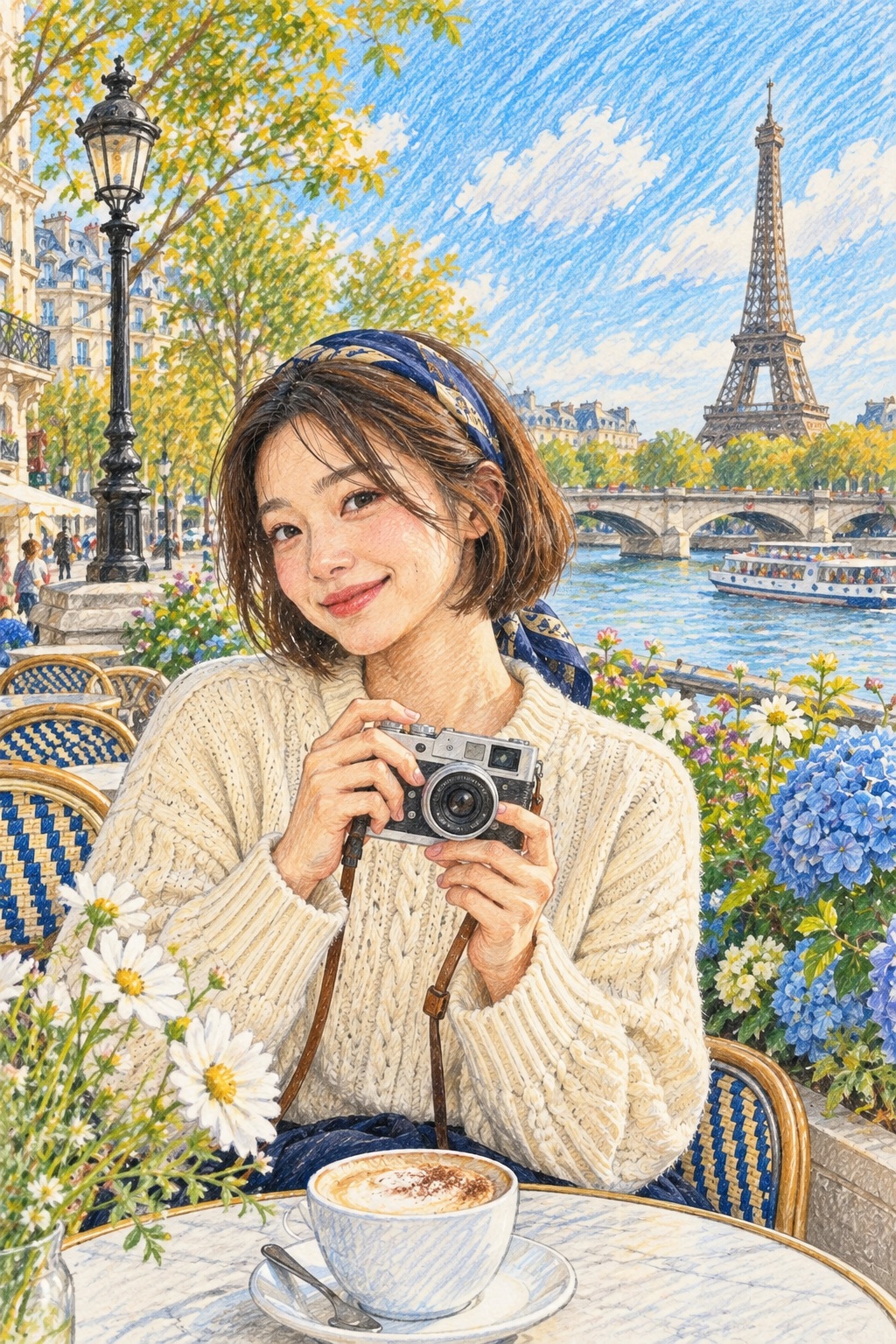
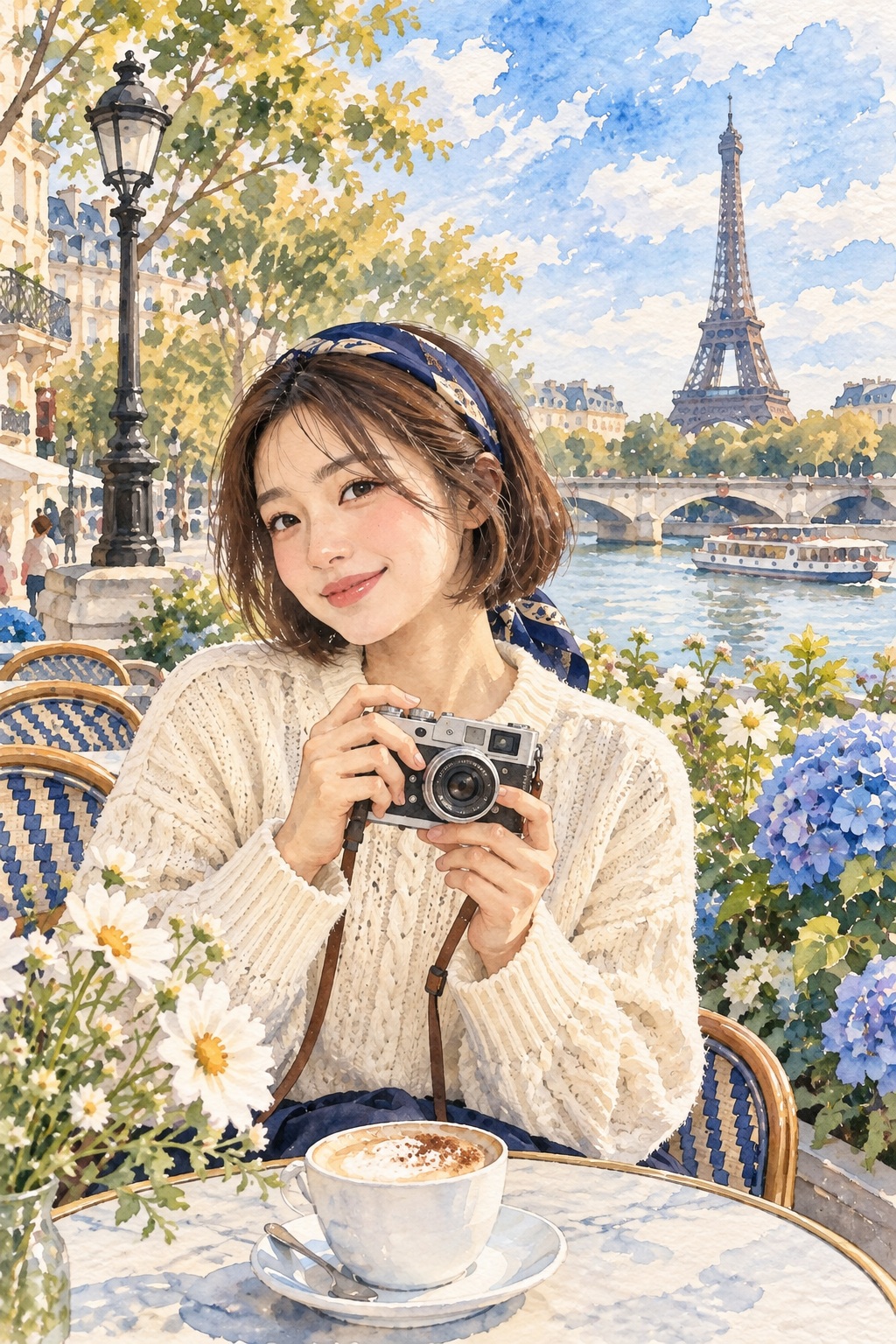
What changed in these results?
Classic Doodlé: stronger outlines and smoother facial shading make the face more stylised. The expression changes; the result should be checked as a new illustration.
Paper Daydream: clouds, foliage and buildings become flatter, layered shapes. The camera and cardigan remain recognisable parts of the composition, but their small marks and folds are interpreted.
Retro Travel Poster: the saturated cyan sky and bold colour blocks change the mood. This is a useful comparison when deciding how far to move from the source palette.
Pencil Pages: visible strokes and hatching become part of the image, especially across the sky. Check the face and camera separately from the texture.
Every photo tells a different story, and each creation can vary. These examples help you explore the finishes; check the faces and details in your own result too.
Use the comparison to choose a look →Compare looks with your own photo
In the app, choose Compare 3 under “Pick your Doodlé”. Select up to three looks, then choose Create selected looks. Three selected looks use three creations. Compare the outputs before deciding which to keep.
AI can change facial features, hands, accessories and lettering. A recognisable scene does not guarantee that every detail matches the original.
From illustration to collectible
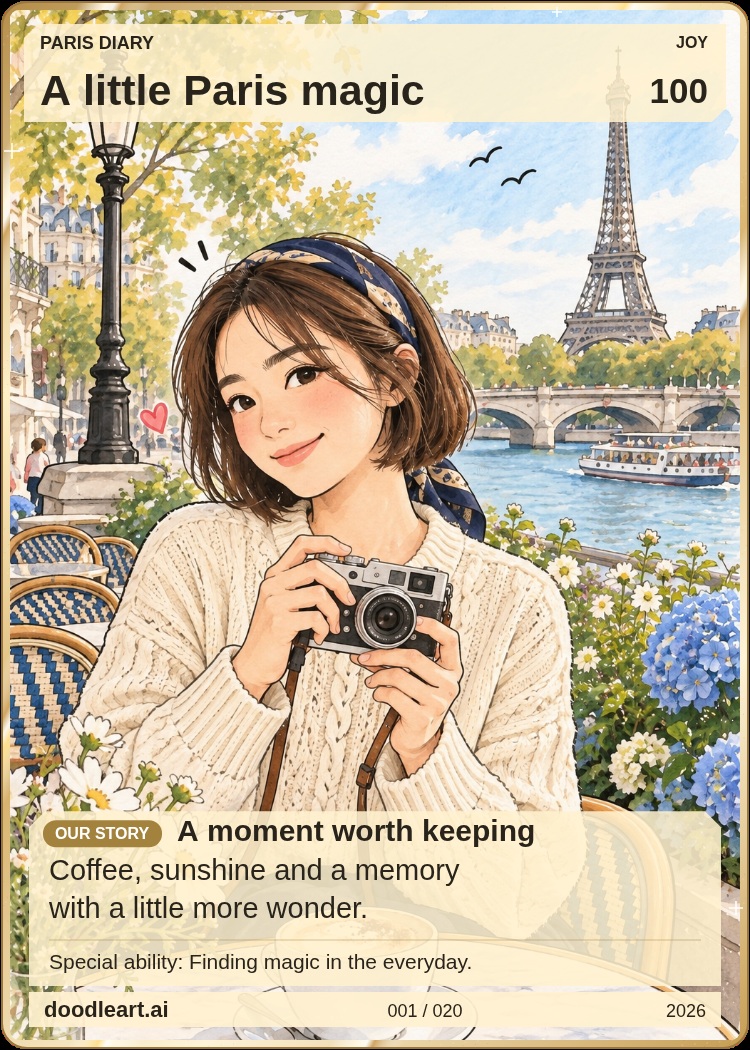
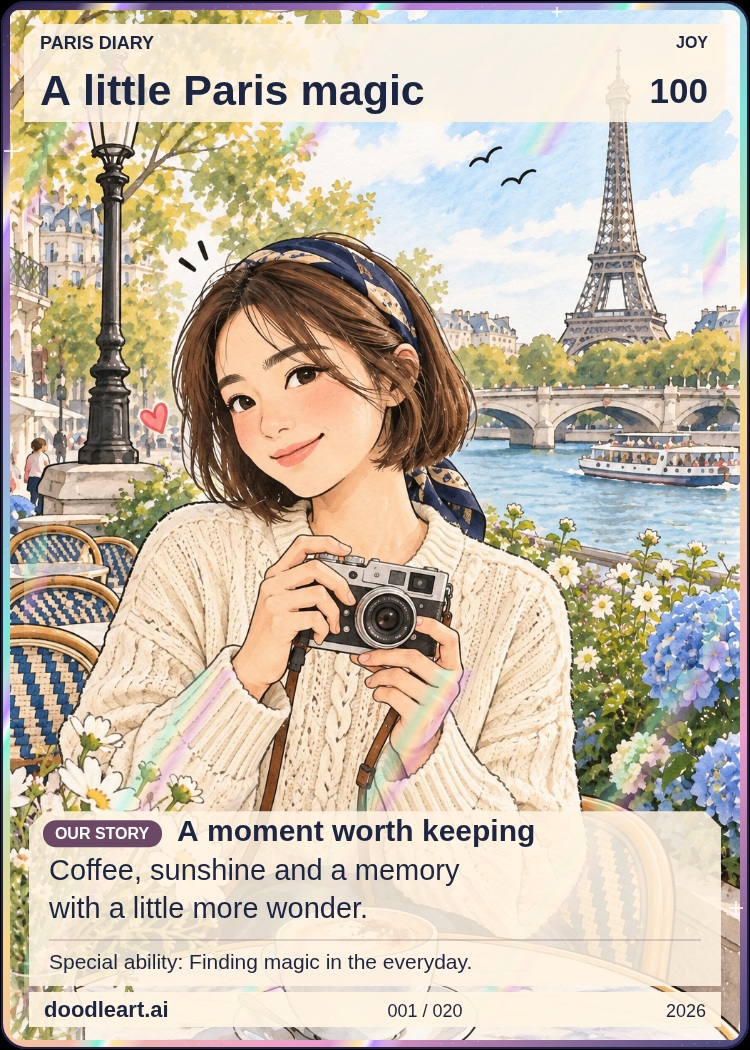
These cards were made in the Doodlé card designer using the Classic Doodlé result. Layout, finish and a personal message give the image a different presentation. The digital finish does not order a physical foil print.